

How to Deploy Node.js API to Production: Step-by-Step Guide
Deploy Node.js API applications to production with a reliable process that prepares your backend for real users, live data, and external integrations. Whether you are developing a business platform, mobile application, or custom web solution, deploying your Express API correctly helps make your services accessible and maintainable.
This guide explains how to deploy a Node.js API using Express, from preparing your project and configuring environment variables to selecting a hosting platform, enabling HTTPS, and monitoring production performance. Follow these practical steps to launch your API with greater confidence and avoid common deployment problems.
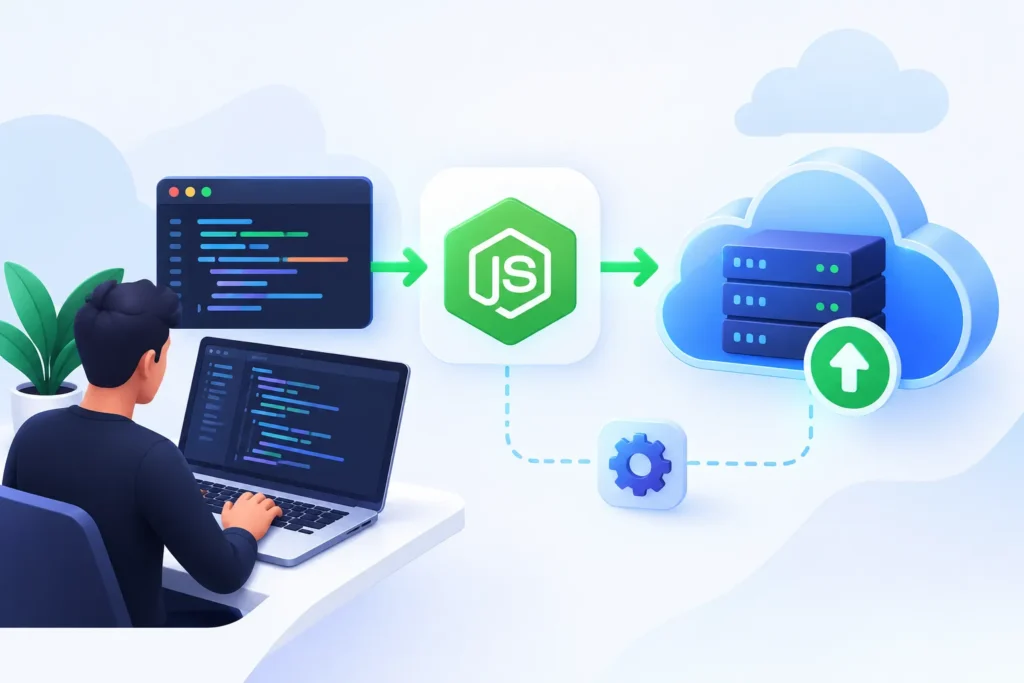
What to Check Before Deploying a Node.js Express API
Before you deploy your application, verify that your Express server runs correctly, dependencies are installed, and all required routes respond as expected. A prepared application is easier to configure, troubleshoot, and maintain after deployment.
Your production environment should also support your selected Node.js version, application startup command, database connection, and environment variables. Completing these checks helps reduce configuration errors and unexpected service interruptions.
Test Your API Endpoints
Verify request methods, response formats, validation rules, authentication, and error handling to ensure your endpoints behave consistently.
Configure Environment Variables
Store database URLs, API keys, authentication secrets, and other sensitive configuration outside your source code.
Choose a Hosting Platform
Select a suitable cloud server, managed application platform, or container service based on your traffic and operational requirements.
Prepare Production Dependencies
Review package versions, generate a valid lockfile, remove unnecessary dependencies, and ensure the production installation completes successfully.
How to Deploy Node.js API Step by Step
Learning how to deploy Node.js API applications starts with preparing a production-ready Express project and choosing a hosting environment that supports your application’s requirements. The following steps provide a practical starting point for deployment on a Node.js-compatible hosting platform.
Step 1: Prepare your Express application. Confirm that your application has a working entry point, such as server.js, and that Express is listed in your package.json dependencies. Define a start script, for example, "start": "node server.js", and ensure your application listens on the port supplied by the hosting environment.
Step 2: Configure the production environment. Set the required environment variables through your hosting provider’s configuration settings. Avoid hardcoding credentials in your source code. Configure your database connection, allowed origins for CORS, authentication settings, and other production requirements before launching the application.
Step 3: Deploy and verify your API. Upload your code using the hosting provider’s supported deployment process or connect a Git repository. Install dependencies, run the configured start command, and test your public API URL. Check server logs for startup errors and confirm that database queries and important endpoints work correctly.
Essential Production Settings for a Node.js API
A successful deployment requires more than making your API available online. Configure security, networking, and operational monitoring so your Express application can handle requests reliably and protect sensitive information.
Enable HTTPS
Use your hosting provider’s TLS configuration or a properly configured reverse proxy to encrypt communication between clients and your API.
Secure application configuration
Store secrets in environment variables or a dedicated secrets manager, validate incoming requests, and apply appropriate authentication and authorization.
Configure logging and monitoring
Track application errors, response times, resource usage, and service availability to identify production issues and investigate failures.
Six Best Practices for Deploying a Node.js API
Use a production start command
Define a consistent start script in package.json and verify that your hosting platform uses the correct entry point.
Keep dependencies secure
Update supported Node.js versions and npm packages regularly, review vulnerability reports, and remove unnecessary dependencies from your application.
Handle errors consistently
Use centralized Express error-handling middleware and avoid exposing stack traces, credentials, or internal implementation details in production responses.
Protect against excessive requests
Apply appropriate rate limiting, request validation, payload size restrictions, and authentication controls to reduce abuse and improve service stability.
Automate deployment where practical
Use a CI/CD pipeline to run tests, build artifacts when needed, and deploy approved changes consistently across environments.
Prepare backups and recovery
Back up important database information, document deployment procedures, and maintain a rollback strategy for releases that introduce unexpected failures.
Frequently Asked Questions
The best platform depends on your budget, expected traffic, database requirements, scaling needs, and technical expertise. Managed Node.js hosting and cloud virtual servers are both common options.
Use your hosting provider’s environment configuration or a secrets manager. Store database credentials and authentication secrets securely, and never commit sensitive production values to a public repository.
Enable HTTPS, validate input, configure authentication and authorization, apply rate limiting, protect secrets, and keep dependencies updated. Review access logs and monitor suspicious activity.